Authenticator Apps vs SMS Verification: How to Properly Secure Your Accounts
1. The Architectural Fragility of Telephony-Based Authentication From a telecommunications infrastructure perspective, the vulnerability of SMS is rooted i...
1. The Architectural Fragility of Telephony-Based Authentication
From a telecommunications infrastructure perspective, the vulnerability of SMS is rooted in the commercial decentralization of the global cellular carrier ecosystem. When a bank in London or New York dispatches an SMS verification code to an executive traveling in Singapore or Tokyo, that message does not travel across a secure, dedicated fiber line. Instead, it is routed through third-party SMS aggregators, international roaming clearinghouses, and regional cellular gateways.
Each hop in this international routing chain represents an unauthenticated, unmonitored interception point. Malicious actors operating within untrusted foreign networks can lease cheap access to SS7 and Diameter signaling nodes, querying the Home Location Register (HLR) and Visitor Location Register (VLR) to redirect SMS text payloads to attacker-controlled IMSI destinations without alerting either the originating sender or the legitimate subscriber.
In contemporary digital identity systems, multi-factor authentication (MFA) is universally prescribed as the definitive defense against credential theft. However, the security industry has long harbored an open secret: not all second factors are created equal. For over a decade, commercial consumer platforms—including retail banks, social media networks, and cloud providers—have defaulted to Short Message Service (SMS) text verification as their primary two-factor authentication (2FA) mechanism. To non-technical consumers, receiving an ephemeral six-digit code on their smartphone feels robust, intuitive, and modern.
To a cybersecurity threat analyst or telecommunications engineer, SMS verification represents a catastrophic architectural compromise. The global cellular telephony infrastructure was never designed for cryptographic authentication; it was engineered in the late 20th century atop the legacy Signaling System No. 7 (SS7) protocol suite. SS7 lacks end-to-end cryptographic encryption, mutual peer authentication, and decentralized verification. As a consequence, text messages travel across telecommunications switching centers in plaintext, vulnerable to lawful and unlawful interception, cellular tower spoofing (IMSI-catchers), and malicious routing redirection.
Compounding these protocol-level vulnerabilities is the rampant operational threat of SIM Swapping (Subscriber Identity Module Hijacking). In a SIM swapping exploit, an attacker does not need to compromise cryptographic algorithms or crack mathematical keys; they simply execute social engineering attacks against frontline customer support representatives at mobile network operators (MNOs). By presenting forged identification, bribing rogue telecom retail employees, or answering basic personal knowledge questions harvested from social media, attackers convince the carrier to port the victim's phone number to an attacker-controlled physical SIM or eSIM.
text
Copy
SIM Swap Attack Surface vs. Local TOTP Cryptographic Sandbox
┌────────────────────────────────────────────────────────────────────────┐
│ THE SMS ATTACK SURFACE (Remote Exploitation via Telco Layer)           │
│ Attacker -> Telecom Social Engineering -> MNO Support Bribe           │
│          -> Phone Number Ported -> Carrier Sends SMS to Attacker       │
│          -> Attacker Hijacks Primary Email, Bank & Password Manager    │
├────────────────────────────────────────────────────────────────────────┤
│ THE TOTP APPLICATION SANDBOX (Local Hardware Air-Gap)                  │
│ Client Hardware (Secure Enclave) <==== Local Shared Secret Key K ====> │
│ HMAC-SHA1(K, Current_Unix_Timestamp / 30) -> Dynamic 6-Digit Token     │
│ [Zero Network Transmission | Zero Telco Dependency | Zero SIM Exposure]│
└────────────────────────────────────────────────────────────────────────┘
The moment the carrier reassigns the cellular profile, the victim's phone loses cellular signal, displaying 'No Service.' Concurrently, the attacker triggers password resets across the victim's primary email, cryptocurrency exchanges, and password vaults, intercepting the SMS verification codes directly on their device within seconds. To establish true digital sovereignty and protect high-value institutional assets, researchers and professionals must abandon telephony-dependent verification entirely and migrate to mathematically verified Time-Based One-Time Password (TOTP) authenticators and FIDO2 Hardware Security Keys.
2. Deep Subsystem Evaluation: RFC 6238 TOTP Cryptography vs. SMS Telephony
To understand why authenticator applications provide mathematical immunity against remote carrier exploits, one must inspect the governing cryptographic standard: RFC 6238 (TOTP: Time-Based One-Time Password Algorithm).
Unlike SMS codes, which are generated dynamically on a remote commercial server and transmitted across public cellular airwaves, TOTP codes are computed entirely offline inside the local device's memory without transmitting a single byte of data across the internet. The system operates on a pre-shared cryptographic secret:
1. The Shared Secret ($K$): During initial enrollment, the authentication server generates an arbitrary cryptographic key (typically an unguessable 160-bit or 256-bit string, encoded into a Base32 QR code). When the user scans this QR code with an authenticator app (such as Aegis Authenticator, 2FAS, or Ente Auth), the shared secret is stored permanently inside the smartphone's sandboxed local application storage, encrypted using the device's hardware keystore.
2. The Time Step Counter ($T$): Both the client authenticator application and the remote authentication server calculate an identical time integer based on the current Unix Epoch timestamp:
$$T = \lfloor (\text{Current Unix Time} - T_0) / X \rfloor$$
where $T_0$ is the epoch start (0) and $X$ is the time-step window (standardized at 30 seconds).
3. HMAC-SHA1 Computation: The authenticator app executes an HMAC-SHA1 (or HMAC-SHA256) cryptographic hashing function using the shared secret $K$ and the current time step $T$:
$$\text{Hash} = \text{HMAC-SHA1}(K, T)$$
4. Dynamic Truncation: The resulting 20-byte hash is truncated via a standardized bitwise offset extraction to produce a dynamic, deterministic six-digit integer that changes precisely every 30 seconds.
Because the smartphone computes the six-digit token locally from its internal clock, the authenticator app requires zero Wi-Fi connection, zero cellular coverage, and zero SIM card functionality. Even if an attacker executes a successful SIM swap against your phone number, the attacker does not possess the cryptographic shared secret ($K$) locked inside your physical smartphone's flash storage. The attacker's intercepted phone receives no codes, and their login attempts fail instantly.
Furthermore, TOTP tokens eliminate Interception via Malicious Telecommunications Routing. In authoritarian states or surveillance-heavy jurisdictions, intelligence agencies and state-sponsored cyber actors frequently manipulate BGP routing and SS7 Signaling Transfer Points (STPs) to eavesdrop on unencrypted cellular SMS traffic. TOTP authenticators completely bypass telecommunications transit networks, restricting cryptographic execution strictly to the local silicon of your handset.
3. Step-by-Step Implementation: Hardening Two-Factor Authentication with FOSS Authenticator Apps
To eliminate carrier vulnerabilities without introducing proprietary cloud lock-in, researchers should deploy open-source, encrypted authenticator applications. Avoid proprietary closed-source authenticators (such as Google Authenticator or Microsoft Authenticator), which lack verifiable zero-knowledge encryption guarantees and make automated encrypted backups difficult.
For Android users, Aegis Authenticator represents the gold standard of cryptographic defense; for cross-platform iOS and Android environments, 2FAS and Ente Auth provide verified open-source architectures. Follow this production configuration protocol:
1. Step 1: Installing and Hardening the Authenticator Sandbox
- Download Aegis Authenticator from F-Droid or Google Play, or 2FAS from the Apple App Store.
- Upon initial launch, enter application settings and activate Biometric & Password Vault Encryption. Set a dedicated 16-character vault passphrase. This ensures that even if an adversary gains physical access to an unlocked smartphone, the authenticator database remains encrypted via AES-256-GCM.
- Toggle Block Screen Capture to ON, preventing malicious background screen-recording spyware from capturing TOTP tokens or setup QR codes.
2. Step 2: Configuring Automated Zero-Knowledge Cloud Backups
- A critical danger of local authenticator apps is device loss: if you drop your phone in a lake and have no backup, you are locked out of all registered accounts.
- In Aegis, navigate to `Settings > Backups`. Select Android Document Provider or configure automated cloud sync to Nextcloud, Google Drive, or local storage.
- Enable Cryptographic Backup Encryption: every exported `.json` database file is automatically encrypted with AES-256-GCM using your master vault passphrase. If your cloud storage provider suffers a breach, the stolen backup file is indistinguishable from random noise.
- In 2FAS, activate 2FAS Backup via Apple iCloud or Google Drive; 2FAS encrypts the backup payload with your personal backup password before transmitting it to cloud storage.
3. Step 3: Systematic Migration from SMS to TOTP
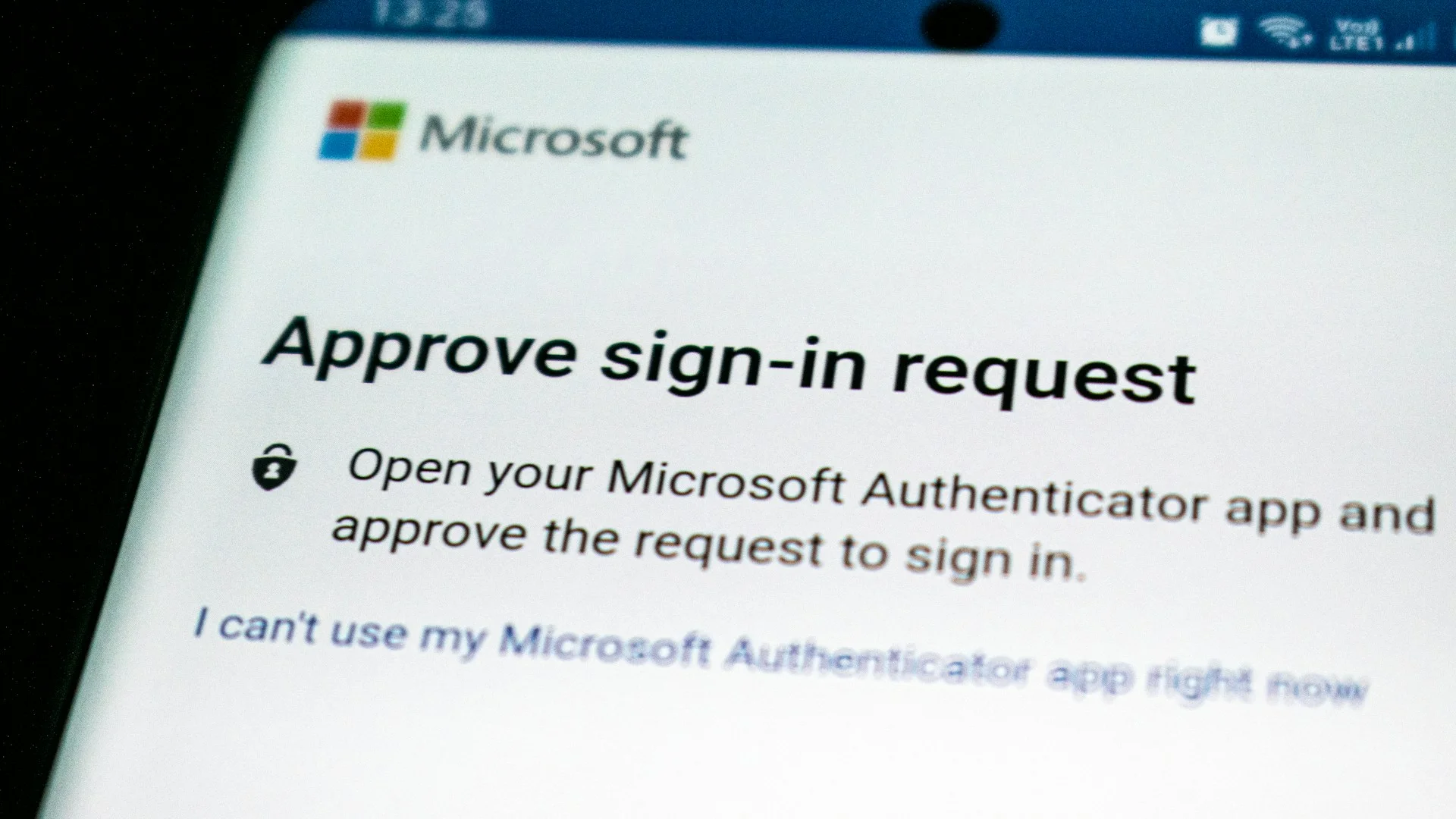
- Log into your primary email accounts (Google, Microsoft, Proton), GitHub, financial institutions, and cloud drives.
- Under `Security > Two-Factor Authentication`, select Set up Authenticator App.
- Scan the displayed QR code using your authenticator application.
- Mandatory Disaster Recovery Step: When the service displays Emergency Backup Recovery Codes (typically 8 to 10 one-time alphanumeric strings), copy these codes immediately. Store them inside your encrypted password manager vault and print a physical paper copy sealed inside an offline safe. If your smartphone is lost or damaged, these recovery codes represent your sole disaster bypass.
- Return to the service's security portal, enter the active 6-digit TOTP code to verify clock synchronization, and confirm activation.
- Crucial Security Action: Locate your registered phone number under 2FA settings and click Remove SMS Verification. Leaving SMS enabled as a secondary fallback option leaves the SIM swap back-door wide open, as attackers can click 'Try another way' and request an SMS code instead.
bash
Copy
# Terminal Script: Auditing TOTP RFC 6238 Generation Locally via OATH Toolkit
# Verify how TOTP tokens are generated mathematically from a shared secret key

# 1. Install oath-toolkit on macOS or Debian/Ubuntu Linux
# macOS: brew install oath-toolkit
# Ubuntu/Debian: sudo apt update && sudo apt install oathtool -y

# 2. Define an example Base32 shared secret key (RFC 6238 test vector)
SECRET_KEY="JBSWY3DPEHPK3PXP"

# 3. Generate the active 6-digit TOTP token using the local system clock
echo "Generating real-time 30-second TOTP token:"
oathtool --totp -b "$SECRET_KEY"

# 4. Inspect continuous token rotation and remaining window seconds
echo "Monitoring TOTP rotation window (refreshes every 30 seconds):"
while true; do
    TIME_REMAINING=$(( 30 - $(date +%s) % 30 ))
    TOKEN=$(oathtool --totp -b "$SECRET_KEY")
    printf "
Active Code: [ %s ] | Window Closes in: %02d seconds " "$TOKEN" "$TIME_REMAINING"
    sleep 1
done
Executing this command demonstration illustrates how the local operating system generates identical cryptographic tokens matching remote enterprise servers without transmitting network packets or querying telephony APIs.
4. Comparative Production Benchmark: SMS vs. Authenticator Apps vs. FIDO2 Hardware Keys
To guide institutional and personal threat modeling, the following benchmark matrix contrasts the three primary multi-factor authentication paradigms across adversarial attack vectors:
Security MetricSMS Telephony VerificationRFC 6238 TOTP Authenticator AppsFIDO2 / WebAuthn Hardware KeysVulnerability to SIM SwappingExtremely High (Fatal Carrier Back-Door)Immune (0% Telephony Dependency)Immune (Cryptographic Hardware Token)Vulnerability to Real-Time PhishingHigh (Adversary reverse-proxies code)High (Adversary reverse-proxies code)Immune (Cryptographically bound to DNS origin)Vulnerability to SS7 / Cellular SniffingExtremely High (Unencrypted Telco Transit)Immune (Local Execution Only)Immune (Asymmetric Public-Key Crypto)Network & Data DependencyRequires active cellular connectionZero (100% Offline Generation)Zero (Local USB/NFC Hardware Attestation)Physical Device Loss RiskLow (Carrier re-issues SIM to new phone)Moderate (Requires encrypted backup/recovery)Moderate (Requires enrolled primary + spare key)Deployment & Operational CostFree (Carrier plan standard feature)100% Free & Open-Source (Aegis, 2FAS)$45 - $90 per physical key (YubiKey 5 Series)Convenience & SpeedModerate (Awaiting SMS delivery latency)High (Instant biometric unlock & copy)Maximum (Single physical tap via USB or NFC)
5. Advanced Hardening: Neutralizing Reverse-Proxy Phishing and Evilginx
To further protect authentication tokens against modern credential theft, the cybersecurity industry is establishing Cryptographic Token Binding and DPoP (Demonstrating Proof-of-Possession at the Application Layer - RFC 9449). In standard web authentication, once a user submits a valid TOTP code, the server issues a bearer token or session cookie. If an attacker steals this bearer cookie via malware or reverse-proxy phishing, they can use it from any computer in the world.
DPoP neutralizes this vulnerability by cryptographically binding the access token to an asymmetric keypair generated inside the client browser's local sandbox. For every subsequent API request, the browser must sign the HTTP header using its private key. Even if an adversary intercepts the session token via a sophisticated phishing proxy, the stolen token is cryptographically useless because the attacker does not possess the matching private key locked within the victim's local browser runtime.
While migrating from SMS to TOTP authenticators completely eliminates SIM swapping and SS7 eavesdropping, knowledge workers must understand an advanced adversarial attack vector: Adversary-in-the-Middle (AitM) Phishing Frameworks (e.g., Evilginx 3).
In a modern AitM phishing attack:
1. The attacker deploys a reverse-proxy server hosting a lookalike phishing domain (e.g., `login.microsofft-security.com`).
2. The unsuspecting victim enters their username and master password.
3. The reverse proxy forwards the credentials to the real authentication server in real time. The real server responds by requesting the 6-digit TOTP code.
4. The victim opens their authenticator app, reads the valid 6-digit code, and types it into the phishing portal.
5. The proxy immediately relays the code to the legitimate server, completes the authentication handshake, intercepts the resulting authenticated session cookie (`Set-Cookie: ASP.NET_SessionId` or `ESTSAUTH`), and hijacks the account without ever cracking the TOTP secret.

To neutralize AitM reverse-proxy phishing, high-risk researchers, journalists, and system administrators must deploy FIDO2 / WebAuthn Hardware Security Keys (YubiKey 5 Series, Nitrokey 3) on mission-critical accounts (Google Advanced Protection Program, GitHub, AWS Root Accounts). Unlike TOTP, which relies on a shared numeric string that a human can accidentally type into a phishing website, FIDO2 establishes asymmetric cryptographic attestation bound to the exact DNS domain origin (`rpId`).
If an adversary lures you to `microsofft-security.com`, your hardware key interrogates the browser's cryptographic API, identifies the origin mismatch with `microsoft.com`, and refuses to sign the authentication challenge. Understanding the boundary between TOTP and FIDO2 ensures comprehensive operational defense across the entire threat spectrum.
6. Operational Multi-Factor Authentication Protocol & Synthesis
To harden your digital perimeter against state-sponsored interception and criminal fraud, enforce this systematic operational protocol:
* Immediate SMS Deprecation: Conduct an inventory of all financial, email, and cloud accounts; disable SMS verification and remove phone numbers from 2FA portals to eliminate SIM swap vulnerabilities.
* Deploy FOSS Authenticators: Install Aegis Authenticator (Android) or 2FAS (iOS/Android); secure application access with dedicated biometric and passphrase encryption.
* Cryptographic Backup Redundancy: Configure automated, client-side AES-256 encrypted backups to secure cloud or offline NAS storage; verify your master vault passphrase.
* Physical Recovery Archive: Transcribe emergency one-time bypass codes onto physical archival paper; store duplicates inside an offline fireproof safe and off-site deposit box.
* Escalate Critical Logins to FIDO2: Bind dual hardware security keys (primary and backup YubiKey) to your primary email, domain registrar, and password vault to defeat AitM phishing proxies.
To explore how zero-knowledge credential architecture integrates with modern hardware enclaves, study our flagship guide on Why You Must Stop Reusing Passwords and How to Switch to a Password Manager. For comprehensive hardware key deployment and U2F enrollment, consult Hardware Security Key Deployment & Passkey Architecture. For advanced mobile operating system hardening, review Essential Android Settings to Review for Privacy & Security. Technical standards can be cross-referenced via IETF RFC 6238 (TOTP Specification) and the NIST SP 800-63B Digital Identity Guidelines.